
ERP vs. Standalone Scheduling Software: What Actually Runs Your Shop?
Most shops already have an ERP — ProShop, Acumatica, SYSPRO. They track orders, inventory, and costs. But here's the uncomfortable truth: your ERP doesn't decide what runs next.
Key Takeaways
- ERP is your system of record — it tracks what happened, not what should happen next
- Standalone scheduling software is a decision engine that re-optimizes as reality changes
- Typical 30–50 machine shops lose $300K–$400K/year from scheduling gaps
- You don't replace ERP — you add a scheduling layer on top of it
- Skody AI builds a full constraint-aware schedule in minutes, not hours
The Core Problem
Every morning, the same pattern:
Planner opens ERP
Exports to Excel
Rebuilds the schedule
By noon, it's wrong
Machine down. Rush job. Material delay. Start over.
The problem isn't your team.
The problem is that ERP scheduling isn't built for real-time decisions.
What ERP Scheduling Actually Does
ERP systems like ProShop, Acumatica, and SYSPRO are designed as systems of record. They're great at:
But ERP scheduling in systems like ProShop, Acumatica, and SYSPRO is not truly automated.
Most provide a capacity-aware Gantt chart — but the work is still manual:
It's not a scheduling system. It's a scheduling interface.
A shop with 30 machines and 200 jobs has millions of possible sequences. ERP doesn't solve that. It hands it to the planner.
ERP gives you the board.
You still have to play the game.
ERP Scheduling
- Capacity-aware (sometimes)
- Manual sequencing
- Static once built
- Breaks with change
Skody AI Scheduling
- Solves sequencing automatically
- Evaluates millions of combinations
- Reflows instantly
- No conflicts in execution
The real result?
Idle machines, overloaded operators, and a planner stuck rebuilding the same schedule every day.
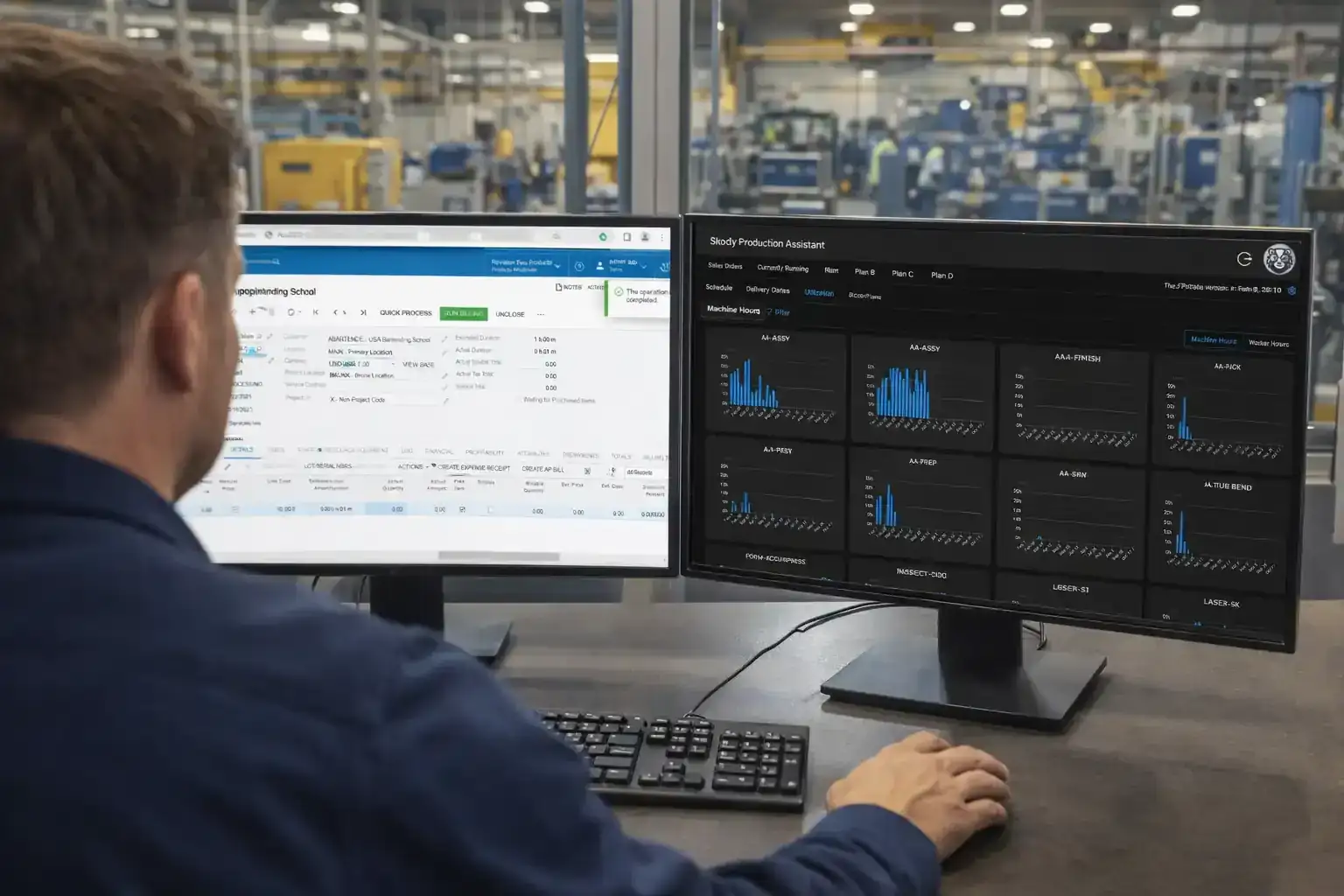
Skody AI doesn't just schedule machines — it schedules the entire system:
Most ERP systems give you a Gantt chart.
Skody AI gives you a decision.
What Standalone Scheduling Software Does
Standalone scheduling software is built for one job: deciding what runs next, again and again. Not once a day. Not once a week. Every time reality changes.
A modern scheduling layer:
- Builds a constraint-aware schedule automatically
- Accounts for machines, operators, setups, and dependencies
- Reflows instantly when something changes
- Shows what's at risk before it's late
This isn't reporting. This is decision-making.
ERP vs. Standalone Scheduling (Side-by-Side)
| Capability | ERP Scheduling | Standalone Scheduling |
|---|---|---|
| Core function | Tracks what happened | Decides what runs next |
| Plan type | Static plan | Dynamic, real-time plan |
| When things change | Manual rebuilds | Automatic reflow |
| Constraint awareness | Limited | Full constraint modeling |
| Dependency | Planner-dependent | System-driven |
ERP tracks. Scheduling decides.
Where ERP Falls Short (Real Shop Examples)
1. Rush Jobs
Insert job → rebuild schedule manually. Cascade of changes, missed deadlines.
Insert job → auto-reflow. Clear impact, controlled tradeoffs.
2. Machine Downtime
Schedule is now invalid. Planner scrambles.
System re-optimizes instantly. Shows what's now at risk.
3. Operator Constraints
Often ignored or simplified. Leads to unrealistic plans.
Co-schedules machines + people. No phantom capacity.
4. Setup Optimization
Minimal or none. More changeovers, less throughput.
Groups intelligently. Reduces lost time.
The Hidden Cost of "Good Enough" Scheduling
For a typical 30–50 machine shop:
Late shipments
$100K–$200K/year
Idle machine time
$80K–$150K/year
Expedites + overtime
$60K–$100K/year
Planner burnout
Daily stress, single point of failure
$300K–$400K per year
Lost quietly. Not because you lack data — because you lack a decision system.
Why Shops Don't Replace ERP (But Should Add to It)
This isn't about ripping out ERP. ERP stays. It's your system of record.
But it was never designed to be:
- A real-time optimizer
- A decision engine
- A dynamic scheduling system
That's where standalone scheduling fits.
Where Skody AI Fits
Skody AI sits on top of your ERP. It pulls in jobs, machines, and constraints. Then:
- Builds a full schedule in minutes
- Re-optimizes as things change
- Shows risk before it hits your OTD
No 6-month implementation. No consulting army.
Just better decisions, every minute of the day.
The Bottom Line
If your schedule:
- Breaks daily
- Lives in Excel
- Depends on one planner
You don't have a scheduling system. You have a workaround.
ERP tells you what happened.
Skody AI decides what happens next.
See It in Your Shop
Want to see how this works with your actual jobs, machines, and constraints?
15 minutes. Your schedule. Not a generic demo.
Explore: Job shop scheduling software · CNC scheduling software