
Production Planning Software That Holds Up on the Floor
Production planning software decides what gets made, in what order, with what people and material. The production schedule is the independent variable: delivery dates, revenue, cash flow and utilization are all plotted from it.
— a framing Ken Frenkel, CEO of Three Sigma Manufacturing, uses for his 47-work-center operation in Kent, WA.
Your ERP says you can deliver. Your shop floor says otherwise.
The plan assumes infinite capacity, no setup time, and an operator on every machine. Then the first job runs long and the rest of the week is firefighting.
ERP plans against infinite capacity — every machine free, every operator on shift
The plan looks clean on screen, then collapses when the first job runs long
You quote dates the floor can't actually hit — and find out at shipping
One planner spends the morning rebuilding what the system should never have scheduled
The plan isn't wrong. The assumptions under it are.
Skody AI schedules against your real machines, operators, and materials — and reflows when reality moves.
At Three Sigma Manufacturing in Kent, WA, the planning horizon went from one week to a full year without locking the shop in, and the planner accepts the computed baseline about 99% of days.
We load a sample of your real jobs in the demo. No slideware, no 90-day rollout.
- ITAR-Ready
- Gov Cloud
- SOC 2
- Type II
Most Production Planning Software Stops at the Plan
Traditional tools build a plan, sequence jobs, and estimate capacity. But they don't answer the only question that matters:
"What should run next when things change?"
Planning without adaptation is just guessing.
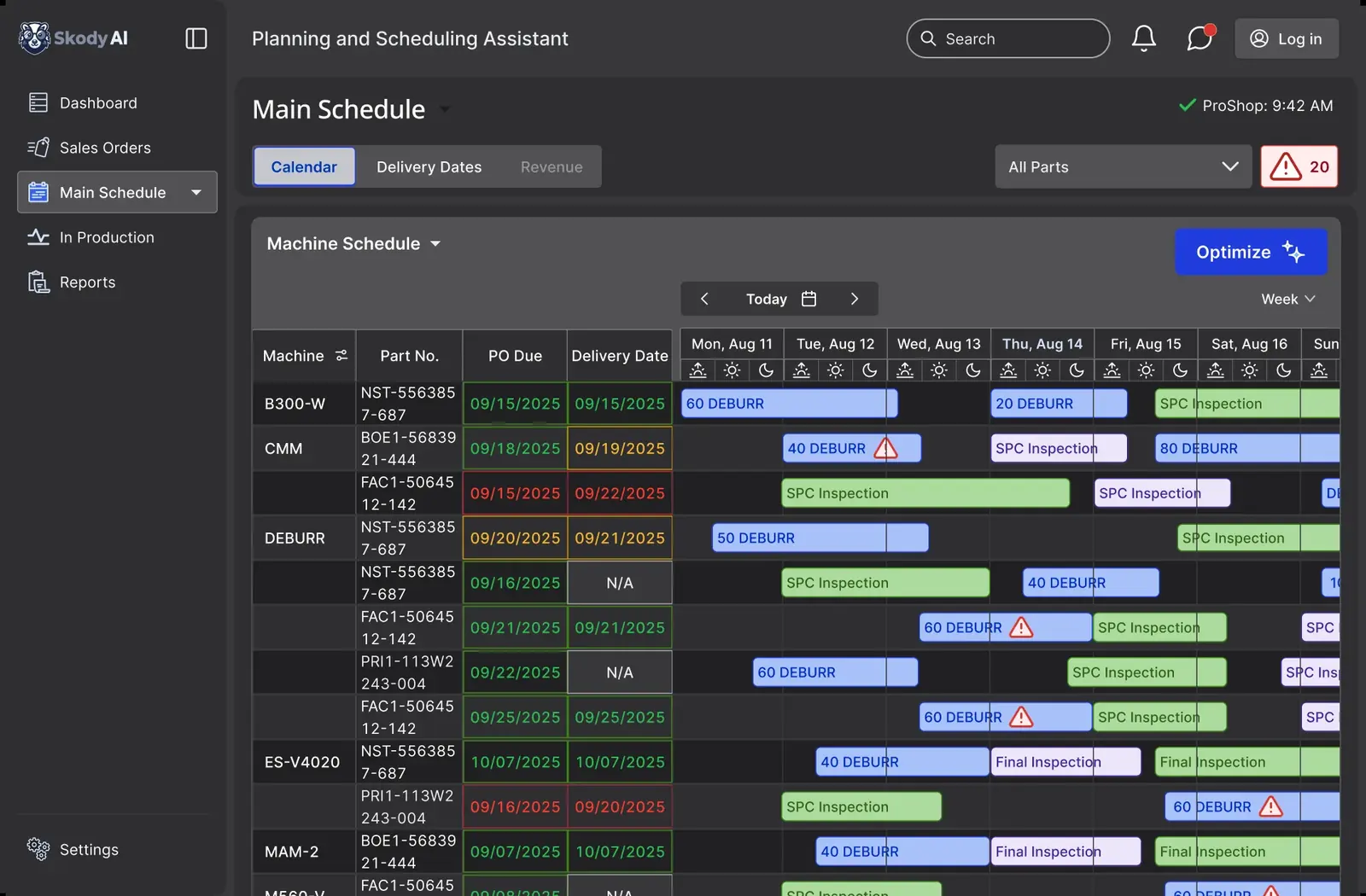
Plans Look Clean. Reality Doesn't.
Same jobs. Same machines. Different system.
Static Plan (ERP / Excel)
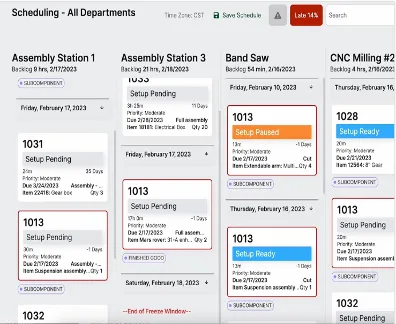
Real-Time Optimized Schedule
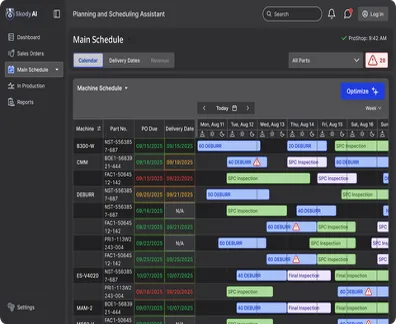
Based on real customer data
Same jobs. Same machines. Different system.
15% fewer late jobs in <30 days
ERP → Skody AI → Shop Floor
ERP plans the work
Skody AI decides what runs next
Your team executes one live schedule
Your ERP shows what should happen.
Skody AI shows what can happen today.
Live in Production
Live in Production — Not a Demo
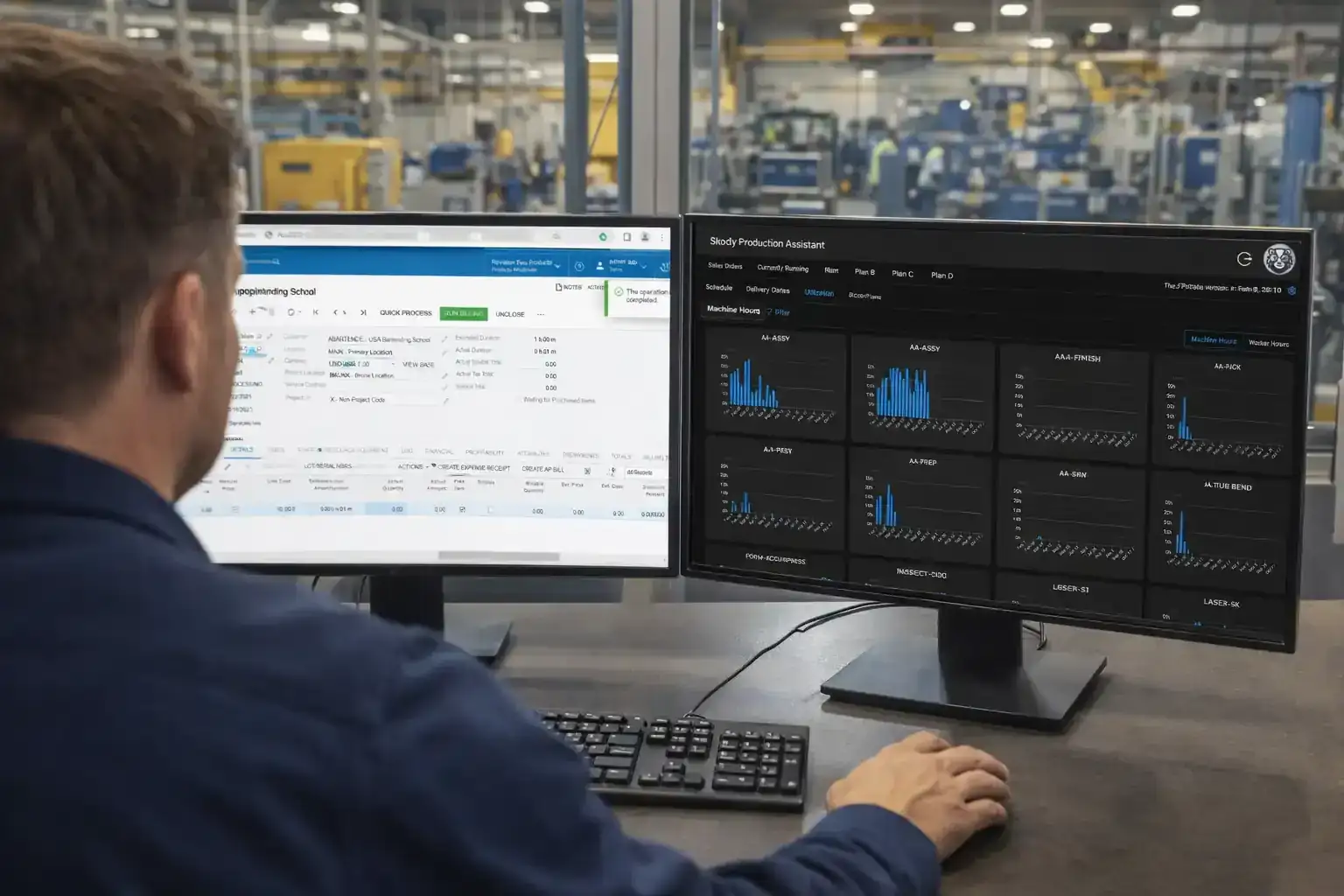
This is running on a real shop floor today.
Zimmer Design & Manufacturing
ProShop ERP user
We're now running Skody AI scheduling + live dashboards tied directly into ProShop ERP via API.
Displayed across 3 large screens on the shop floor and accessible on every workstation — everyone sees the same live picture. No spreadsheets. No manual updates. No guessing.
- Eliminated need for full-time planner
- Real-time OTD and job status visibility
- Tracks who's working on what
- Improves job costing through accurate time tracking
"This is how we are building a shop that runs on data, not assumptions."
Connected via API to ProShop ERP
See how this would look in your shop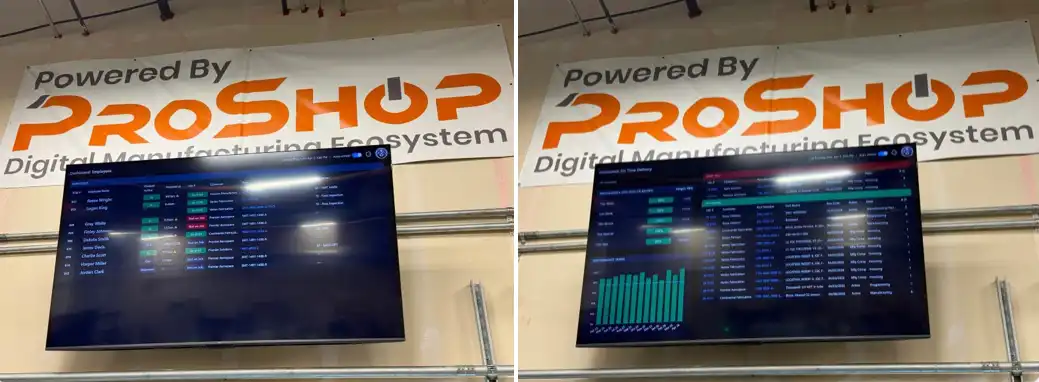
Live dashboards at Zimmer Design & Manufacturing — powered by Skody AI + ProShop ERP
Why Production Plans Fail in Real Shops
These aren't edge cases. They're daily reality.
The plan looked perfect at 6 AM.
By 10 AM, it's already wrong.
The real problem isn't planning.
It's turning plans into decisions — on demand, on ERP events, or continuous where it's wired that way.
What Modern Production Planning Software Should Do
Not just plan. Recompute and decide — whenever you need it.
Build the first-pass schedule from your actual machines, operators, and material readiness
Reflow when a rush job lands, a spindle goes down, or material slips — without a manual rebuild
Schedule operators alongside machines so capacity isn't fiction
Show which jobs slip, by how many days, and the constraint causing it — days before the customer calls
Let the planner override anything, anywhere, without breaking the rest of the schedule
ERP creates the plan.
Skody AI makes it work.
How Skody AI Transforms Production Planning
From static plan to live execution loop.
Pull jobs from ERP
Work orders, due dates, routing, setup matrices, operator skills — all imported via API.
See a sequenced schedule in minutes
Across machines, operators, materials, and setups. Your real jobs — not a Gantt template.
Reflow when reality moves
Rush job at 10am. Spindle down at 2pm. Material slips a week. The schedule updates — you don't rebuild it.
See risk days early
A list of jobs at risk, by how many days, and the constraint causing each one.
Override anything
Drag, pin, force a sequence. The planner makes the call; Skody handles the cascade.
Plan → execute → recompute loop
Plan → Execute → Adapt → Repeat
The Cost of Broken Plans
Typical impact: $300K–$500K per year in lost throughput.
Not because of bad planning.
Because no system adapts after the plan breaks.
ERP creates the plan. Skody AI makes it work.
Late jobs & missed deliveries
Broken promises
Plans break by noon. Customers feel it by end of week.
Idle machines
Wasted capacity
Machines waiting for decisions that should already be made.
Overtime & expedites
Margin erosion
Firefighting costs more than planning ever should.
Planner overload
Single point of failure
One person manually re-sequencing the entire shop, every day.
Traditional Planning vs. Skody AI
Most software builds a plan.
Skody AI runs your factory.
| Capability | Traditional Planning | Skody AI |
|---|---|---|
| Static plan creation | Yes | Yes |
| Real-time adaptation | No | Yes |
| Constraint optimization | Limited | Yes |
| Recompute on demand or on ERP events | No | Yes |
| Execution alignment | No | Yes |
Designed For
Explore how this works in
Results
15%
Fewer late jobs
Hrs → Min
Scheduling time
1 yr
Planning horizon
Frequently Asked Questions
See your schedule, with your real jobs, in 30 minutes
Send us a sample of your jobs, machines, and operators before the call. We come in with your shop on the screen — not a generic deck — and walk through what slips, why, and what changes.
See Your Schedule in 30 MinNo credit card · 30-minute working session · Your data, your constraints